Listen Again

Listen Again

Listen Again is a comprehensive radio show recording and distribution platform that automatically captures live broadcasts, processes them with rich metadata, and distributes content across multiple platforms. Designed for radio stations and content creators, it streamlines the entire workflow from recording to social media distribution.

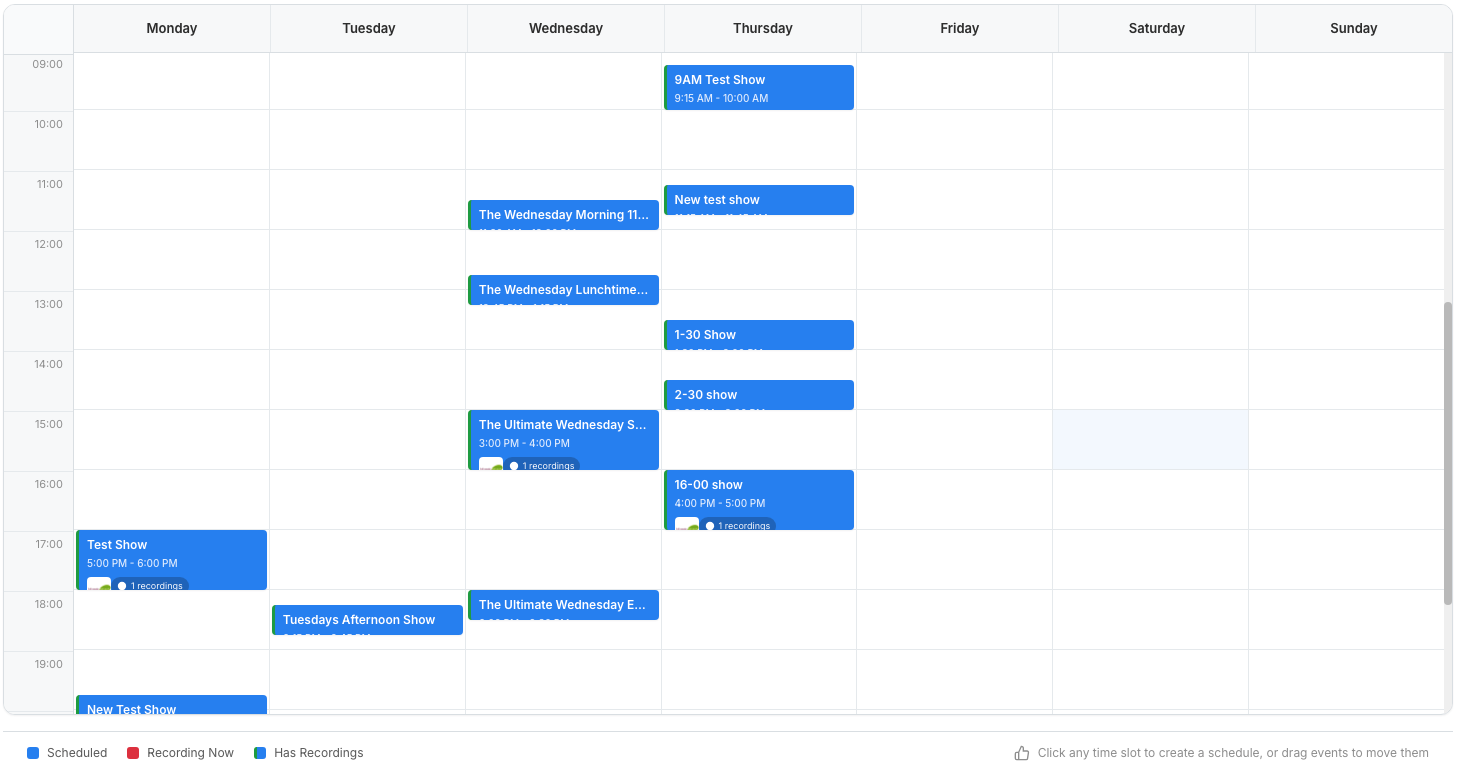
Simply enter your live stream, then create schedules via our weekly scheduling tool for each show you want to record, select if you want to upload it to any of the supported platforms and you're good to go.

Listen Again

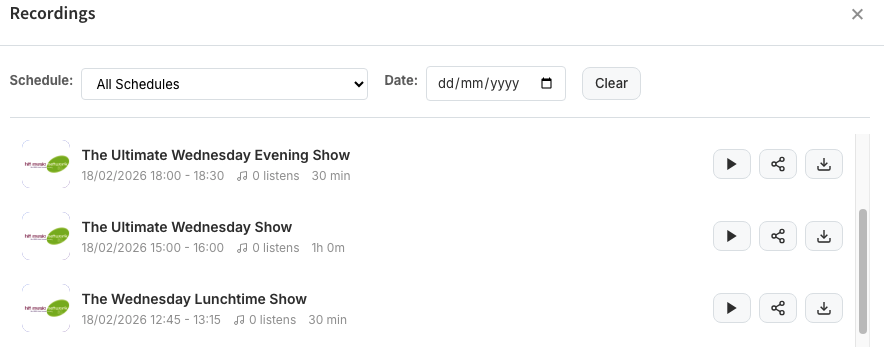
Schedule recordings based on day, time, and duration, capture from any HTTP/HTTPS audio stream. Then automatically upload to Mixcloud, Soundcloud and Facebook.

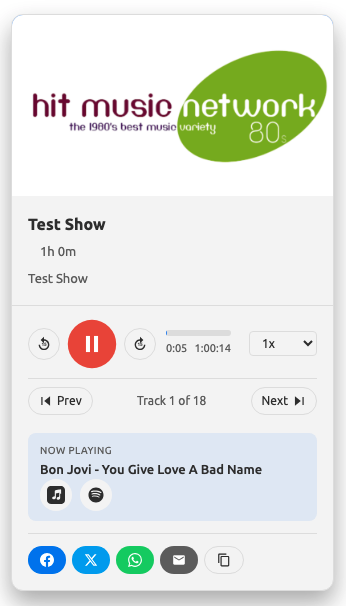
If your audio stream contains metadata, you can even allow users to skip to the next songs in the file!

On Demand - Listen Again

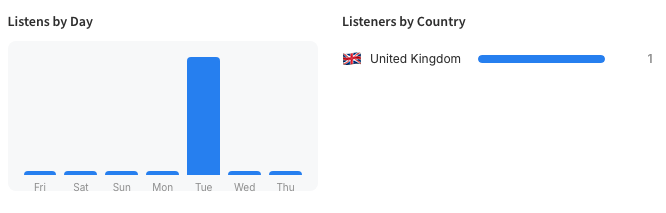
View statistics of the most listened to shows on demand including listening time and geographical info.

On Demand For Radio Stations

You can also add sharing icons to all the popular platforms to encourage the shows to be shared even further, share to Facebook, X/Twitter, WhatsApp and email. You can even display "Buy this Song" icons for the tracks being played within the shows!


Listen Again For Radio Stations

Features

  • Weekly 7 Day Retention
  • Schedule daily shows
  • Calendar style scheduler
  • Record in any format
  • Upload to Mixcloud & Soundcloud
  • Upload clips to Facebook
  • Sharing Icons
  • Metadata Support
  • Deeplink Support
  • Skip Audio
  • Stats and Analytics
  • 6 different HTML5 embed widgets
  • Standalone Web page
  • RSS Podcast Generation

How does it work?

Simply enter your Radio Stations live audio feed and configure the shows you want to record via our easy-to-use calendar type scheduler. When you create a schedule, enter the Title (or show name), a description and an image, then select if you want it uploading to Mixcloud, Soundcloud and/or Facebook on completion. Then, customise the look and feel of the embeddable widgets and display them on your website, or if you want, use the standalong website page we provide. That's it!

We offer 6 types of different embeddable widgets : Full Week, Condensed Week, Per Show, Todays Shows, Week List and the standalone web page. You can use any or all of them on your website or anywhere you want the widgets to display.


Simply visit this page, select the Listen Again service, create an account and submit the info.

Sure, just click here to view a demo account, this is the "Standalone Web page" : https://ondemand01-uk.autopo.st/widget/page/hitmusic80s

Sign up here, then simply enter your Radio Stations live audio feed and configure the shows you want to record via our easy-to-use calendar type scheduler. When you create a schedule, enter the Title (or show name), a description and an image, then select if you want it uploading to Mixcloud, Soundcloud and/or Facebook on completion. Then, customise the look and feel of the embeddable widgets and display them on your website, or if you want, use the standalong website page we provide. That's it!