Broadcast Automation & Live Channel Control

  • Home
  • Broadcast Automation & Live Channel Control

Keep every channel moving.

Run radio and video automation, bring presenters and studios live, monitor the real programme, and deliver resilient output to your existing CDN—all from one browser-based control room.

Broadcast automation and live control in one place.

Radio, video, automation, live contribution and visual radio are managed through one browser-based control room.

From media library to live programme

The platform connects the routine work of running a channel without hiding the controls broadcasters need when the plan changes.

Mixed-media automation

Build ordered or shuffled playlists from audio and video. Schedule them, interrupt immediately or wait for the current item, and keep full-screen video and audio-only visuals in one automation chain.

Live inputs that stay ready

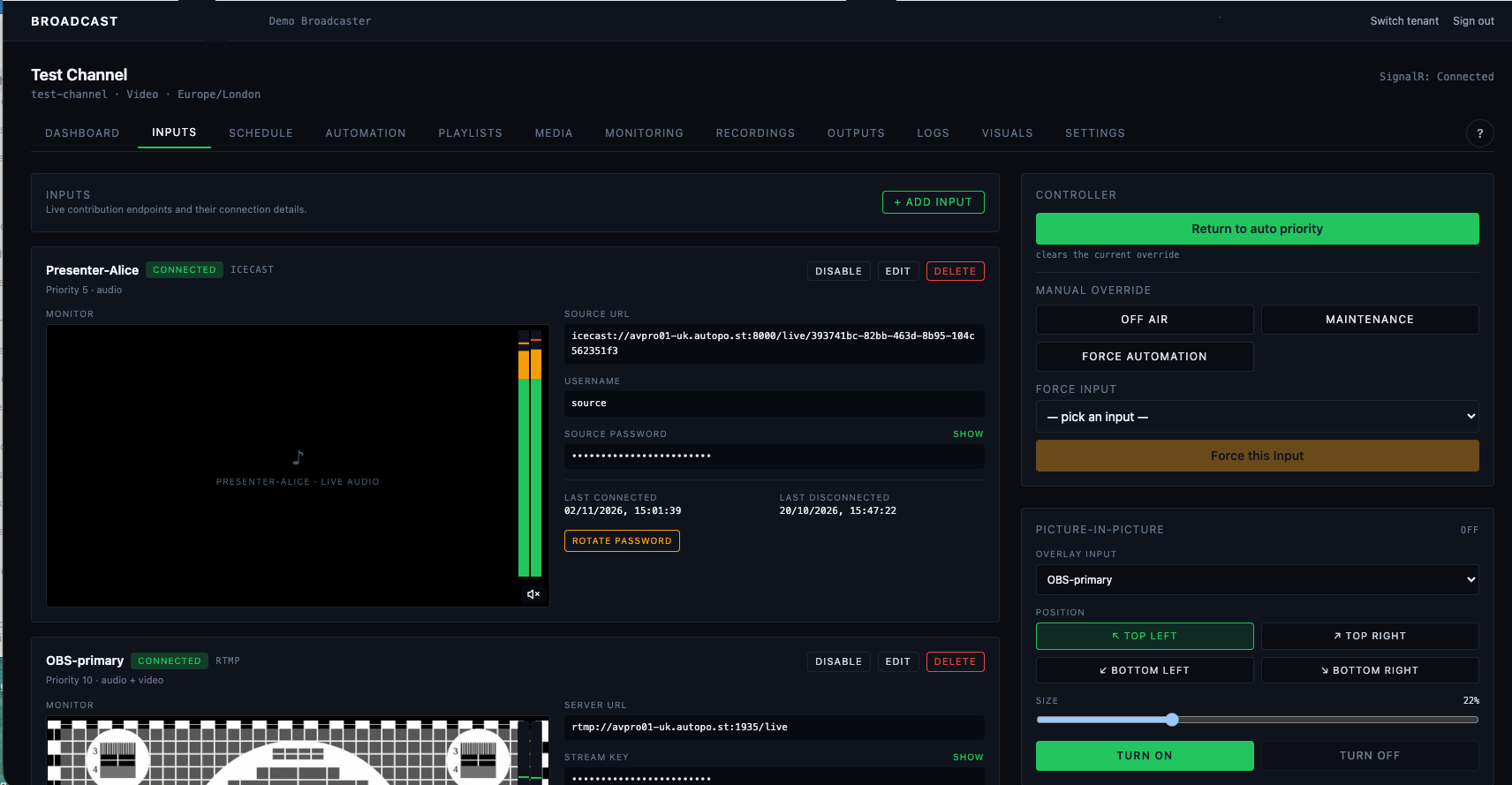
Accept Icecast presenters, OBS over RTMP, and SRT contribution feeds with separate credentials, pre-live monitoring and clear connected, healthy, silent or degraded status.

Fast source control

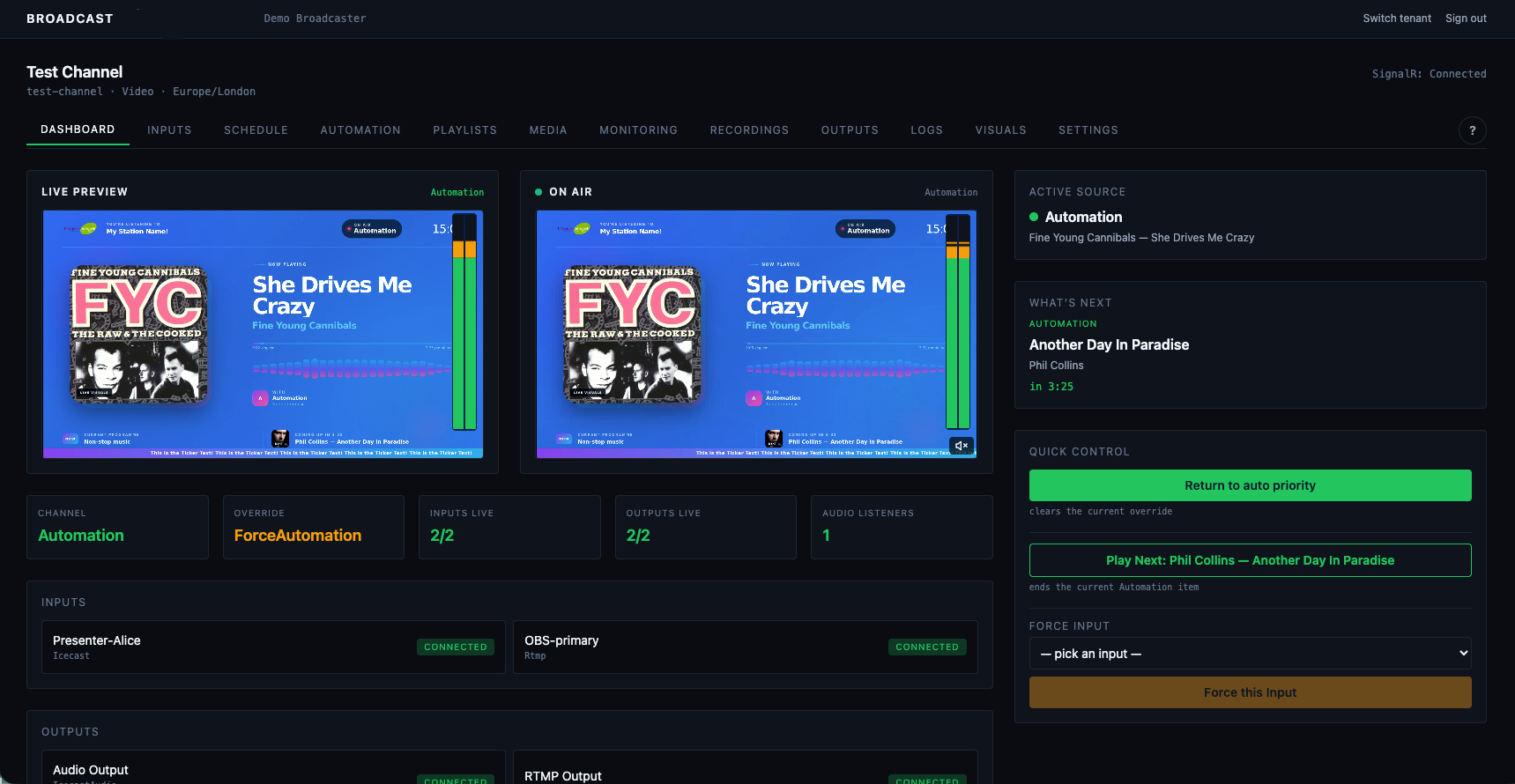
See the post-switch Live Preview beside the buffered On Air confidence feed. Take a live input, return to Automation, or hand control back to the schedule without restarting the output.

Visual radio and branding

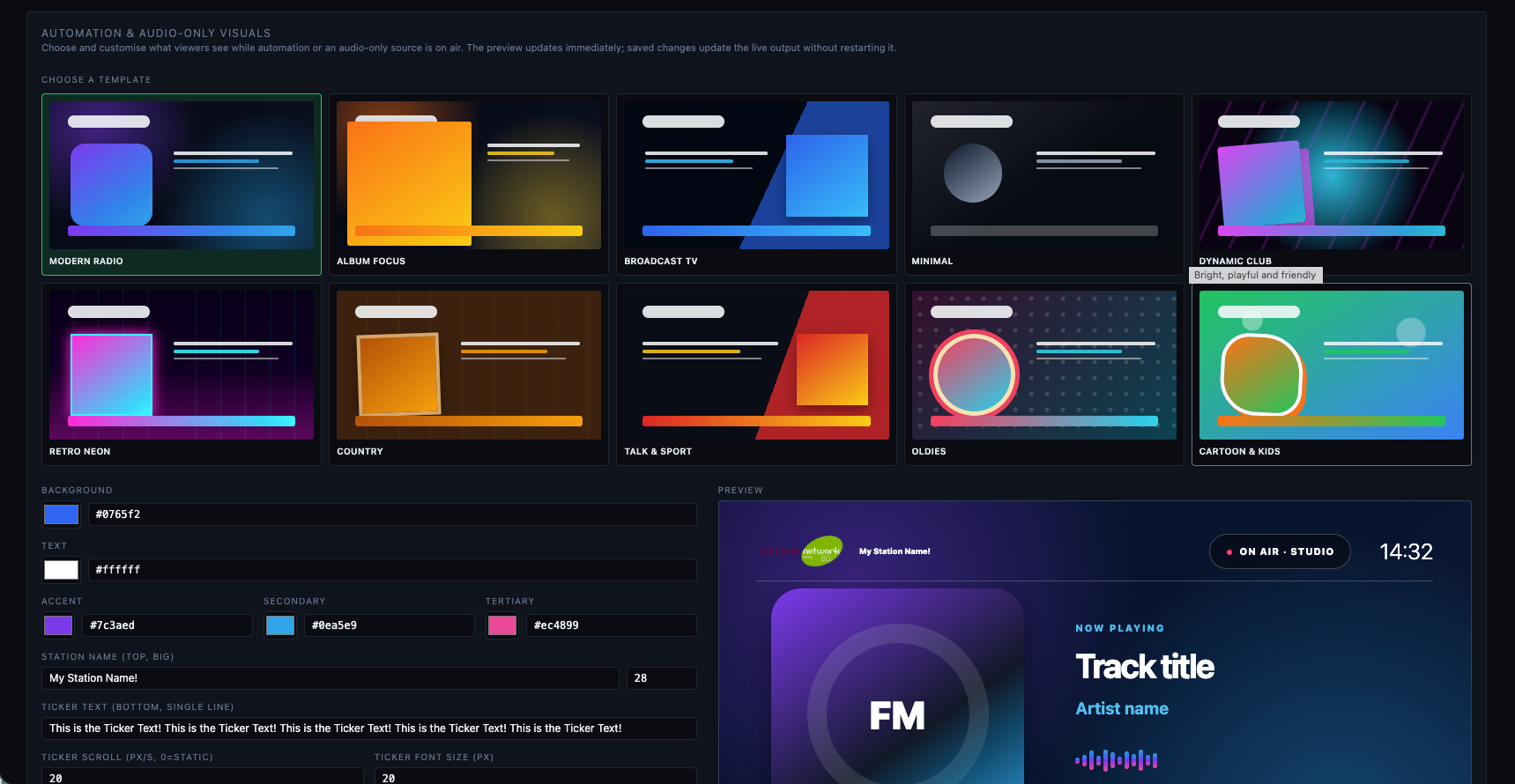
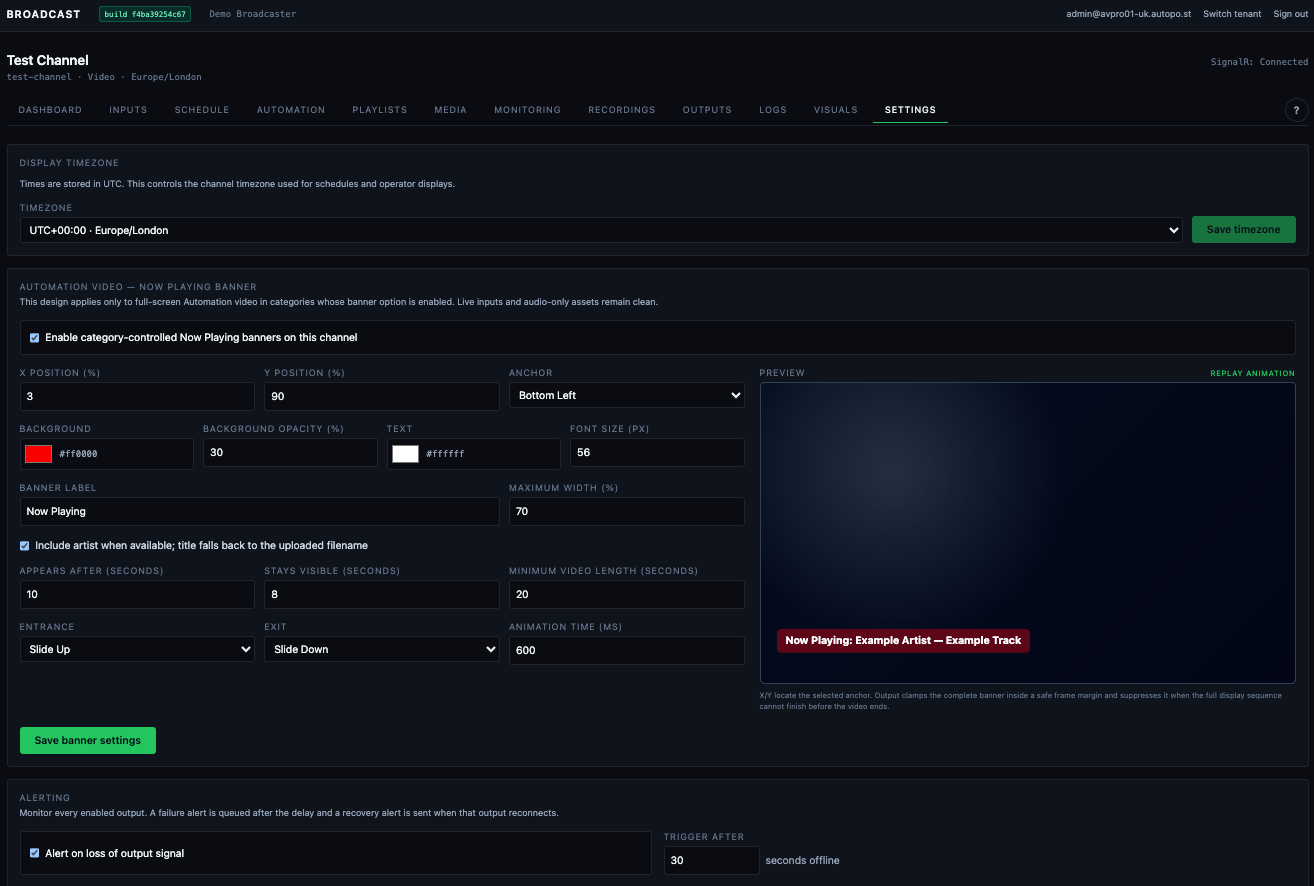
Choose from production visual layouts, use live metadata and artwork, configure palettes and content, and place a proportional station logo or category-controlled banner on Automation video.

Monitoring that explains itself

Watch programme and input meters, preview health, source state, Now Playing, What’s Next, schedules, listener counts and each output destination from the same channel workspace.

Alerts built for operations

Debounced output failure and recovery alerts use a durable retrying outbox and can reach branded email, Slack, Teams Workflow or an HMAC-signed generic webhook.

Prepare the channel. Then see what it will do next.

Upload in batches, organise media your way and build reusable playlists. The same canonical playout state drives the programme, dashboard, visuals and downstream radio metadata.

Only validated, Ready media is eligible for automation. Rejected originals remain available to retry after processing rules are corrected.

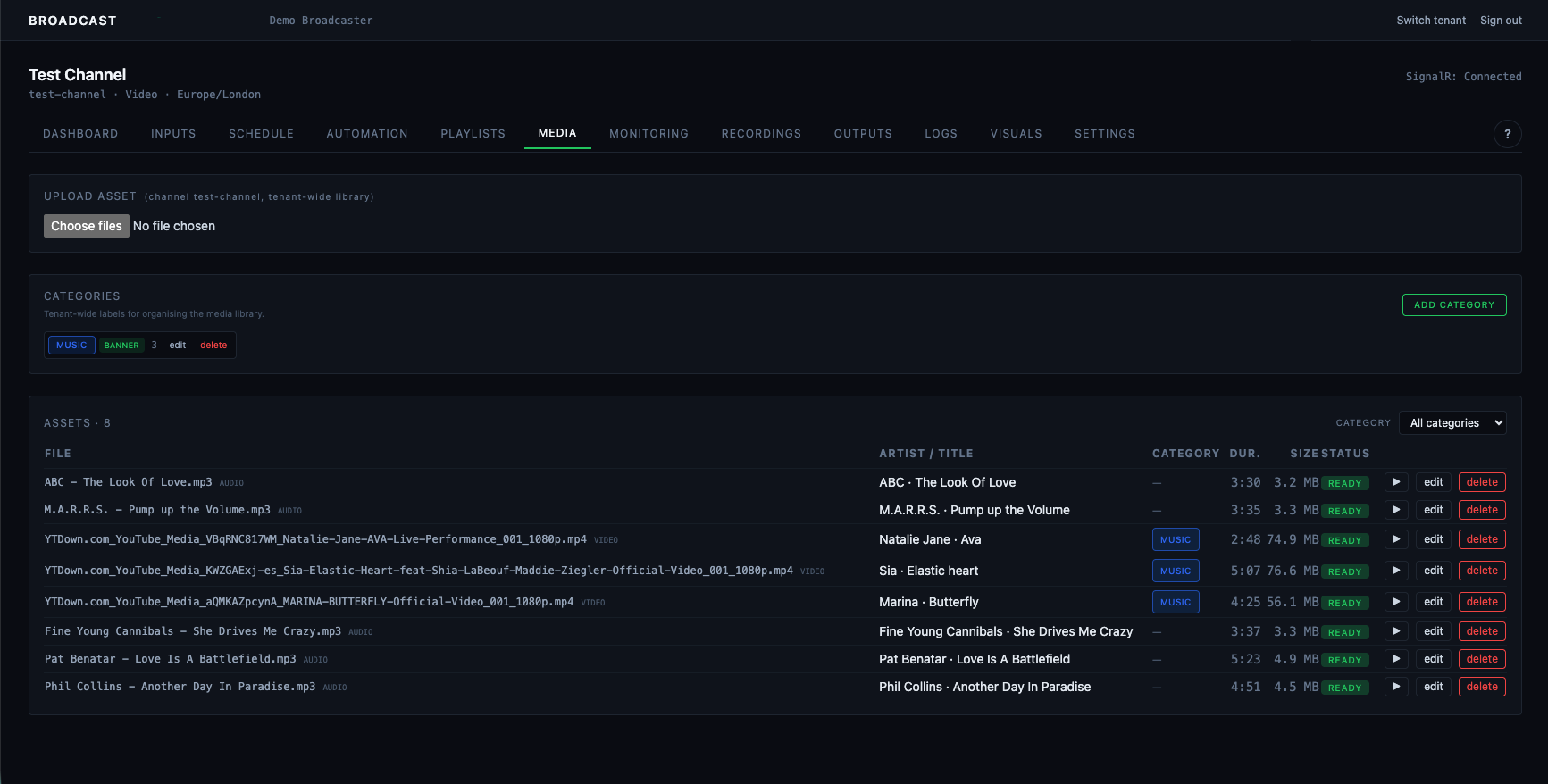
  • Audio and video ingest with metadata, loudness analysis, artwork and video thumbnails.
  • Custom colour-coded categories, filters, metadata editing and media preview.
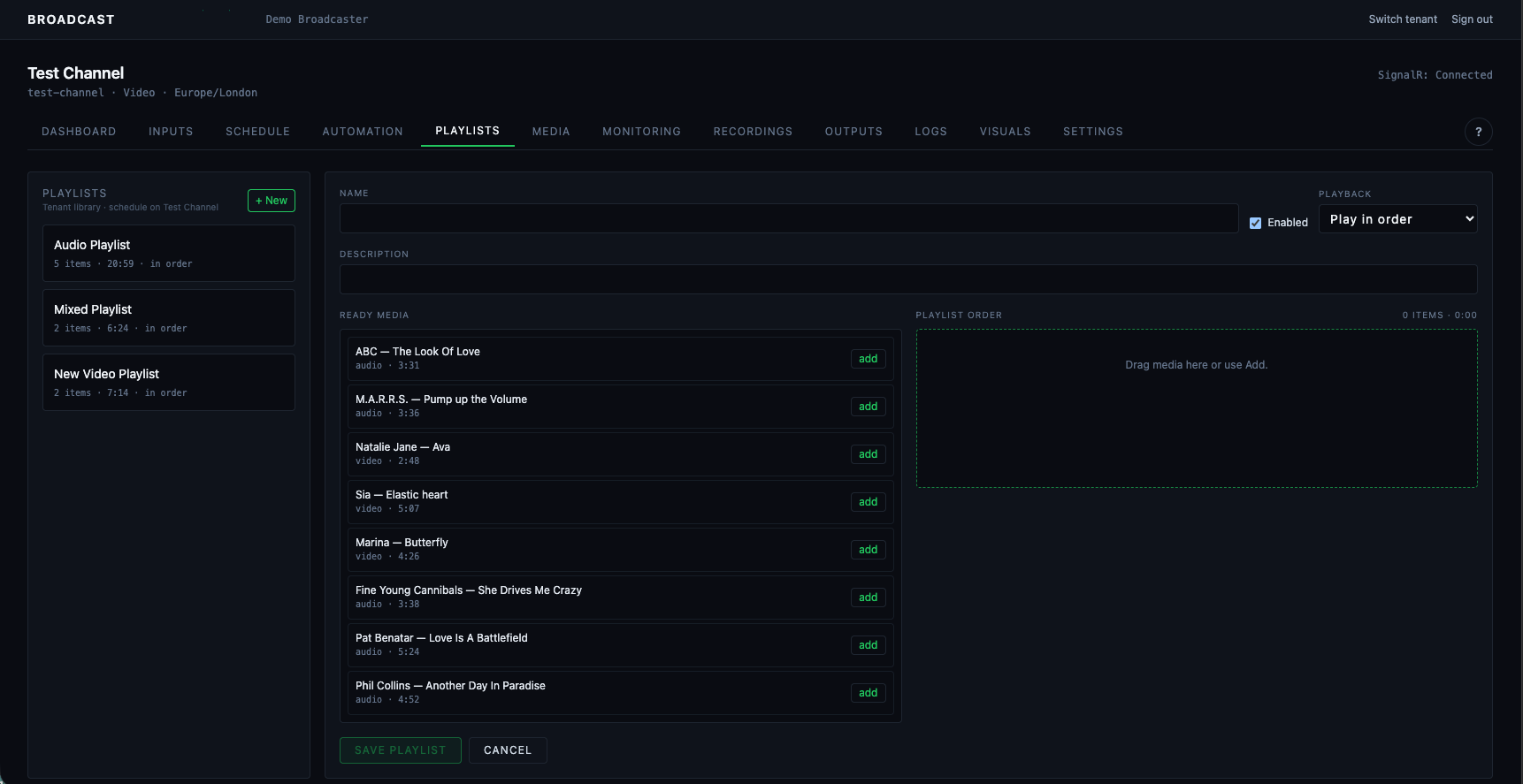
  • Ordered or once-per-cycle shuffled playlists with total duration and drag-and-drop sequencing.
  • Now Playing progress, Coming Up artwork, prepared Automation track and operator Play Next.
  • Rotation protection and a safety fallback so an exhausted rule set does not make the programme silent.
Media library
Media libraryManage and organise the audio and video content used by your channel.
Playlist management
Playlist managementBuild playlists and control automated playout.

How the broadcast flows

Your operators make decisions in the dashboard; dedicated media services execute them while the programme and destination connections remain persistent.

Prepare
Upload media, create live inputs, configure outputs and build playlists.
Schedule
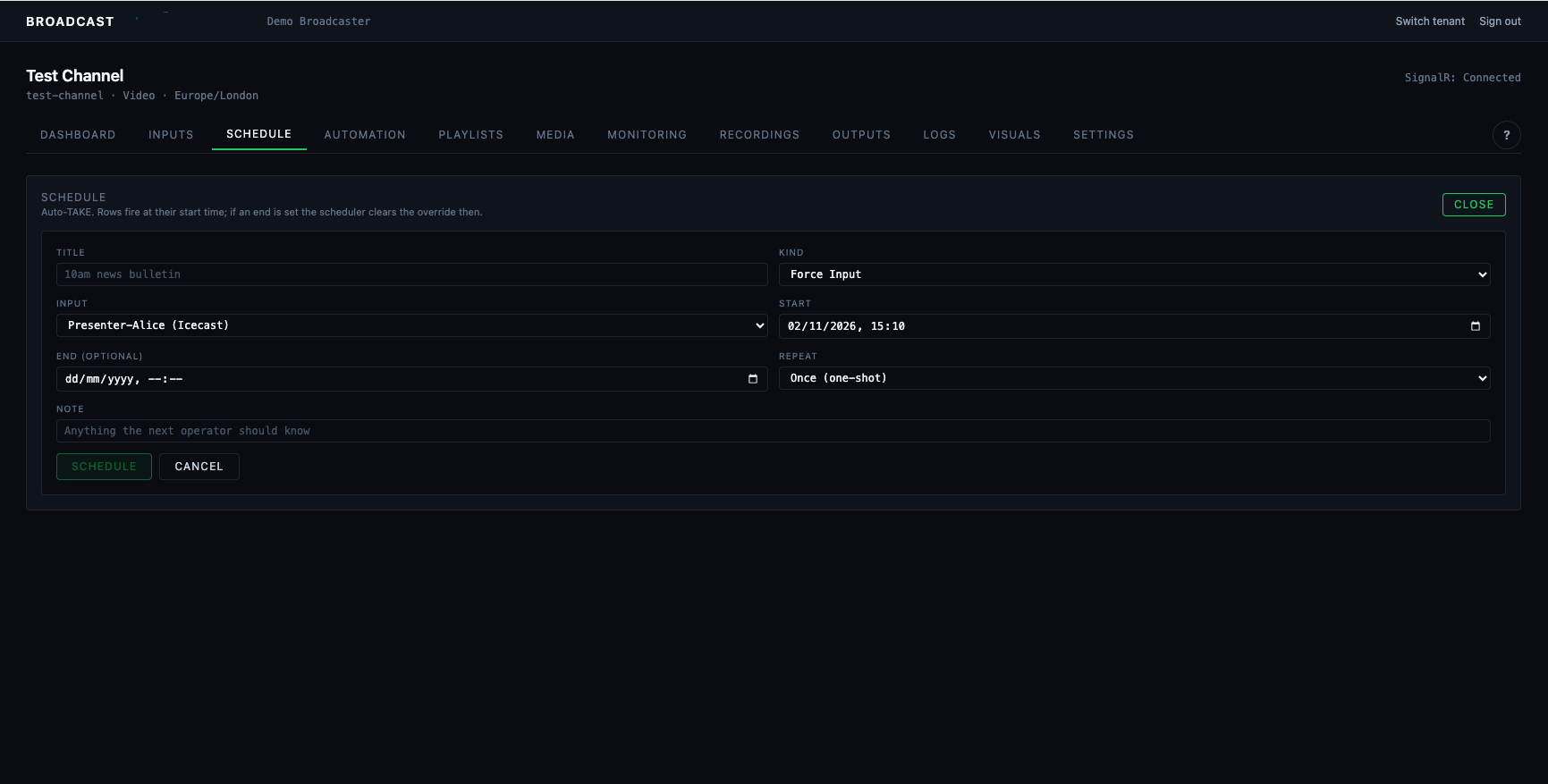
Plan one-off or recurring Automation, playlist and live-input events in local time.
Operate
Monitor the immediate switch and delayed confidence feed, then intervene when needed.
Deliver
Push independent RTMP, SRT, Icecast or SHOUTcast outputs to your existing distribution.
Broadcast scheduling
Broadcast schedulingPlan automation and live programmes in the channel schedule.
Live channel control
Live channel controlMonitor live inputs, switch sources and check the on-air programme.

The detail behind the control room

Day-to-day tools for producers, presenters and administrators, with a clean read-only view for colleagues who only need confidence and status.

Scheduling and history

One-off and recurring events, timezone-aware display, live inputs or playlists, start timing policy, historical pagination and controlled history deletion.

Role-based access

Owner, Administrator, Producer, Presenter and Viewer roles keep operational access appropriate and tenant data isolated.

Read-only remote view

A dedicated Viewer page shows On Air, current and next playout, upcoming schedules, health and listener counts without controls or credentials.

Radio-ready delivery

Icecast and SHOUTcast output with MP3 or AAC+, bitrate and station metadata, canonical Now Playing updates and destination listener statistics.

Video programme output

Persistent 1080p programme composition combines Automation, contribution sources, generated visuals and optional picture-in-picture without bouncing downstream connections.

Help and traceability

In-product guidance, filtered activity/system logs, incidents and audited configuration changes make operation and diagnosis easier to follow.

Visual radio
Visual radioPresent your brand, programme information and artwork alongside the output.
Programme monitoring
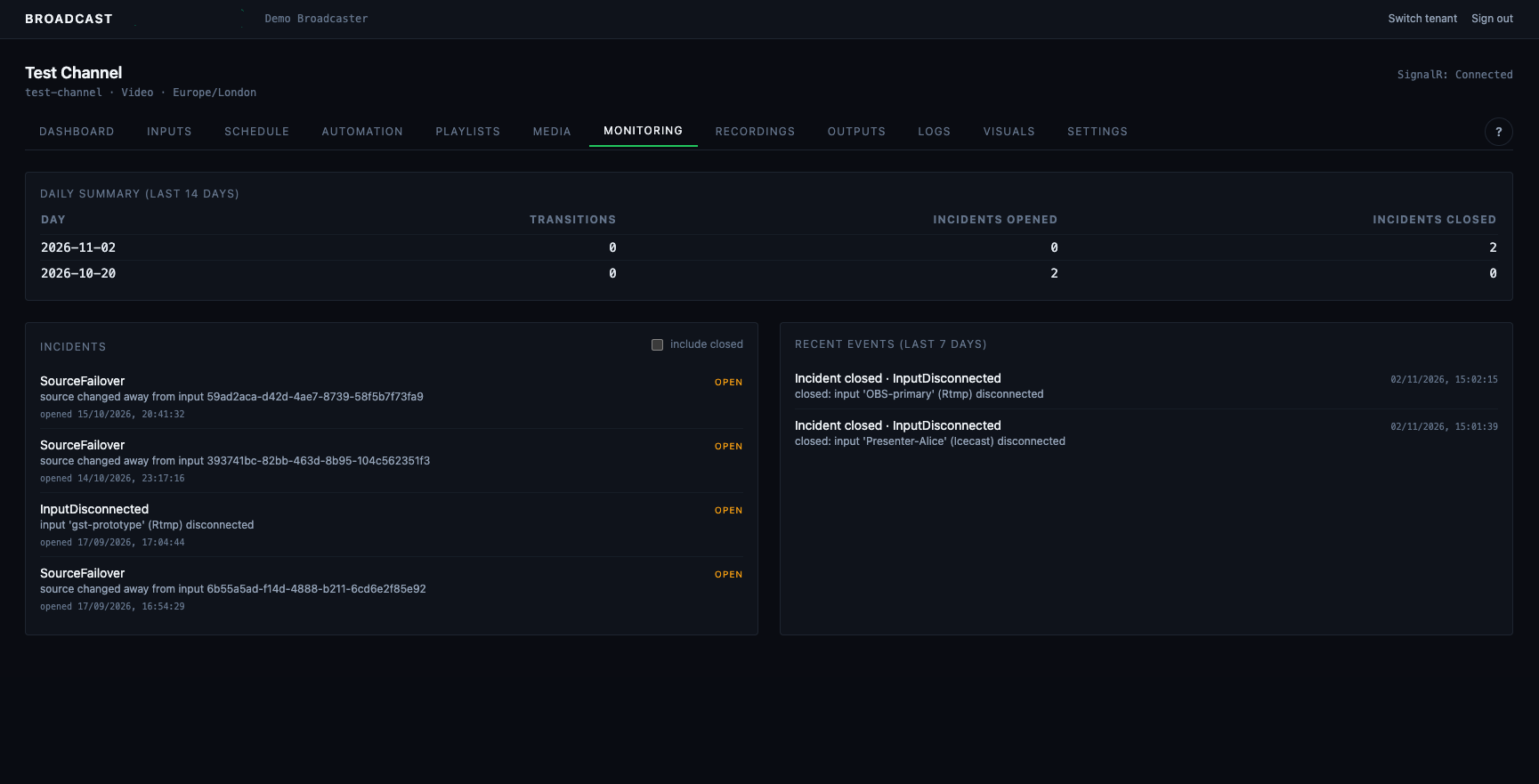
Programme monitoringReview programme state, audio levels and service health.

Control changes. The programme keeps running.

The API and controller own decisions; independent media engines execute them. Dashboard or API maintenance does not need to restart the live media chain, and one failing destination does not have to disturb its siblings.

Persistent output

Source changes do not require audience reconnection.

Independent destinations

Each output reconnects with its own backoff.

Protected credentials

Secrets are encrypted and role-restricted.

Fallback paths

Automation and safe visuals remain available.

Alerts and activity logs
Alerts and activity logsFollow incidents, recoveries and operational events.

Bring automation and live broadcasting into the same workflow.

Tell us how you broadcast today, which sources you receive and where your programme needs to go. We’ll map the platform around your channel.

Get AV Pro for your station